


Kwaku Amprako is a brand identity designer and founder of Akrivi — pioneering BIDA (Brand Identity Design Automation) to empower designers to create with more speed, precision, and less stress.






Try Akrivi Studio — streamline your entire logo & brand identity workflow
5 Best Free Brand Guidelines Templates (Illustrator & InDesign)
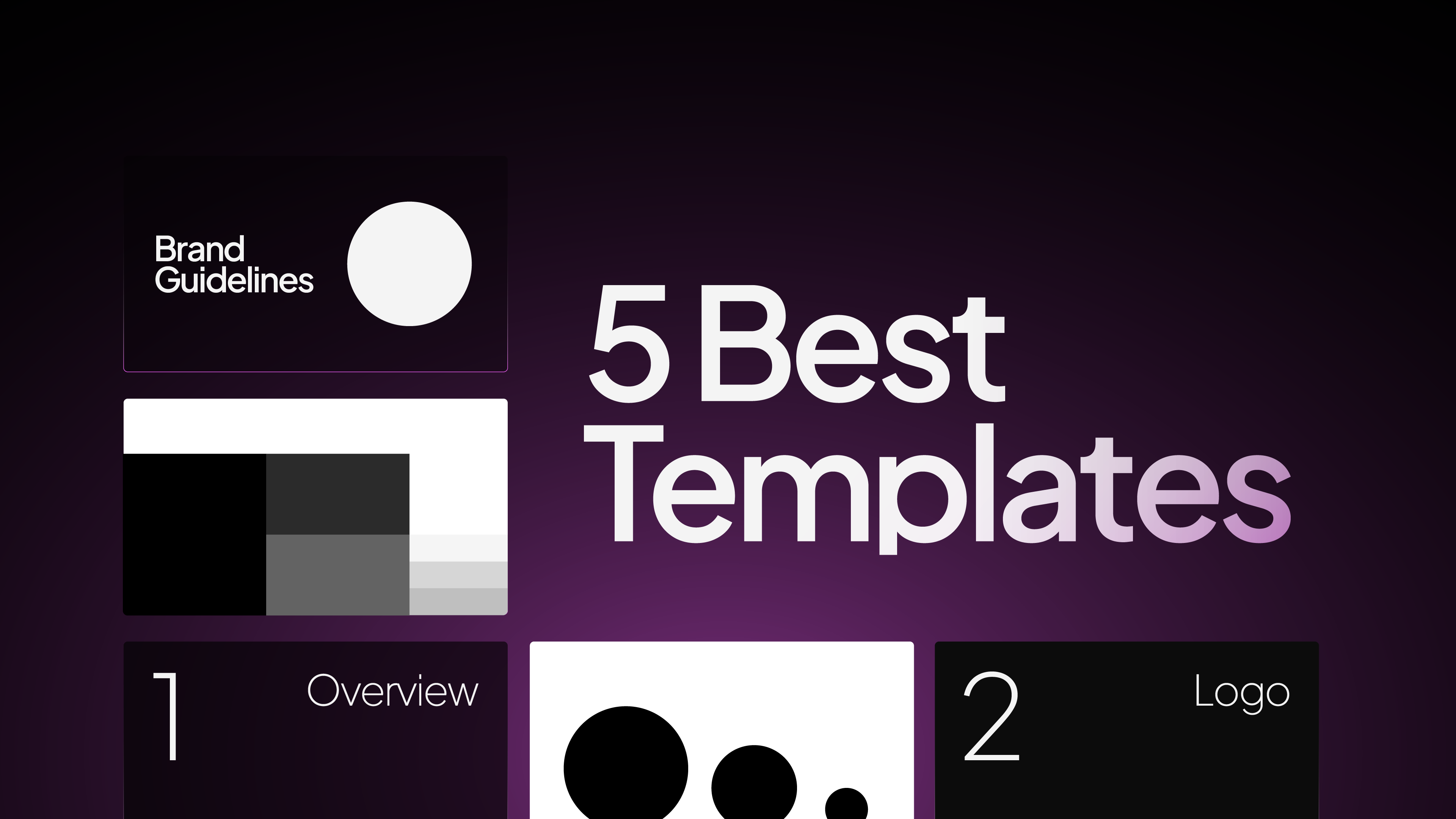
Top Free Brand Guidelines Templates for Designers
You’ve finished the logo and now it’s time to build the brand guidelines. But starting from scratch can be time-consuming and overwhelming, especially when you need to deliver a clean, structured, and professional brand book.
Looking for a full library of brand guidelines templates? Browse all templates here.
Pre-made templates give you a solid foundation, save hours of manual work, and ensure you include all the essential sections, from logo usage to typography and color systems.
Below are 5 of the best free brand guidelines templates you can use right away.
1. Akrivi Free Brand Guidelines Template Pack (My Personal Templates)

I made these free brand guidelines templates to solve the problems I saw in other free options. My goal was to create a template that not only looks professional but also actively encourages best practices in logo usage.
Here’s what makes it special:
- 3 styles ready to use in Adobe Illustrator: Choose from three professional brand guidelines templates designed for Adobe Illustrator. Each layout is fully editable and structured to help you create a complete brand guidelines document with ease.
- 38 page in-depth document: Brand guidelines template covering all the essential sections of a brand identity system. Built with structured layouts to help you present brand rules clearly and professionally.
- 8 brand guide sections: Includes eight essential brand guideline sections covering logos, typography, colors, and imagery—helping you organise and present brand rules with clarity.
This template pack is for designers who want to present their work with the highest level of professionalism and clarity for their clients.
2. The "Clean & Modern" Template by Olatosina
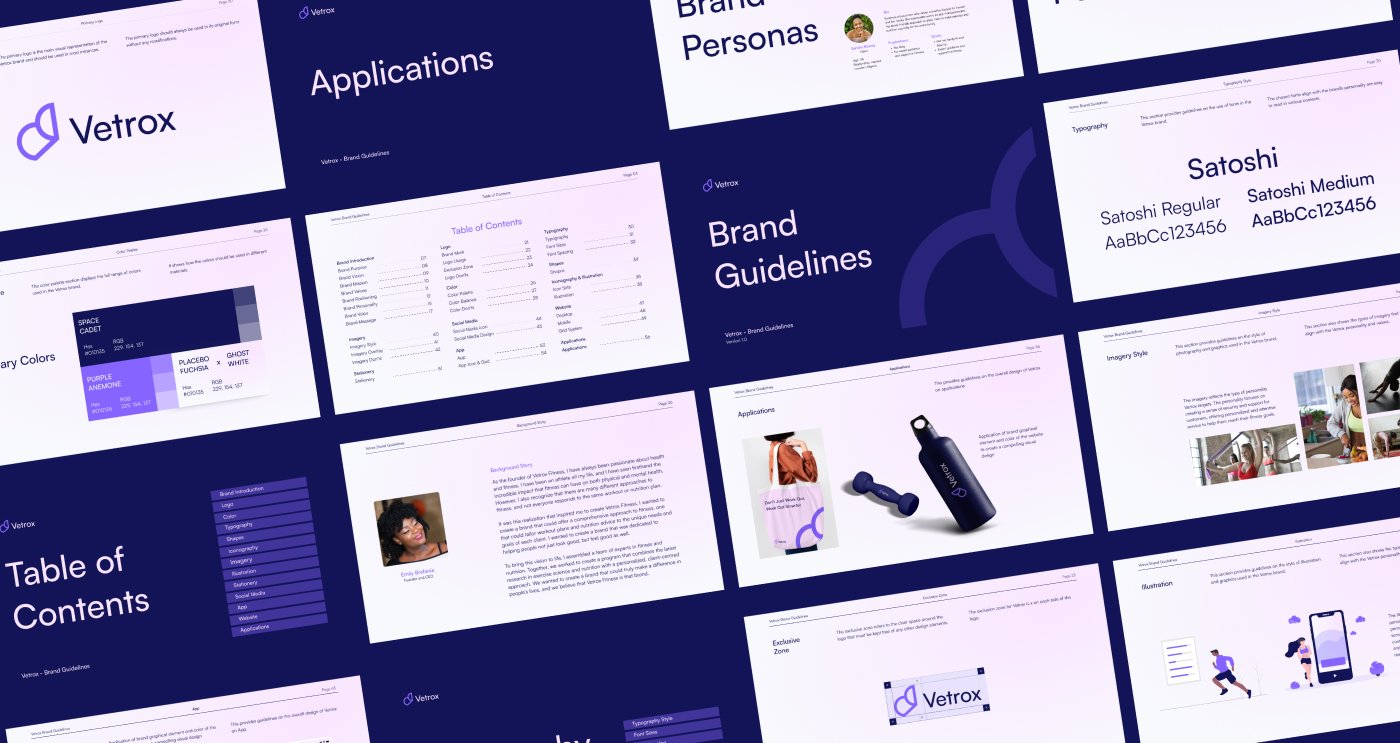
This template’s strength is its clean, modern aesthetic. It uses a strong, minimalist layout with a beautiful sans-serif typeface, making it perfect for tech startups, SaaS companies, or any brand that wants to feel fresh and current.
3. The "Structured & Technical" Template by Zmrani
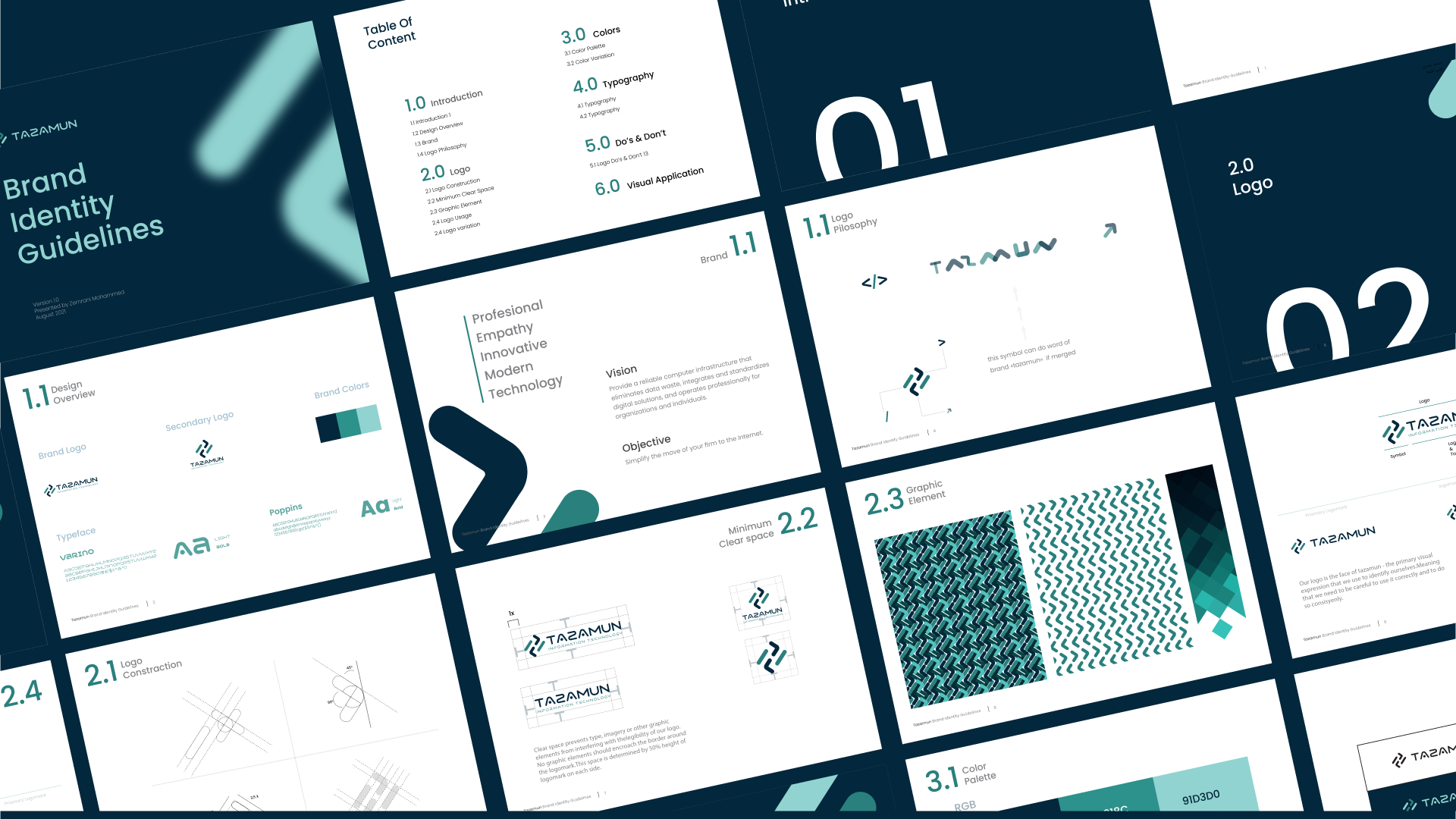
This template is incredibly thorough and well-structured. It has a technical feel, with numbered sections and a clear, logical flow that covers everything from logo philosophy to color palettes and clear space.
4. The "Vibrant & Organic" Template by Kareem Studio
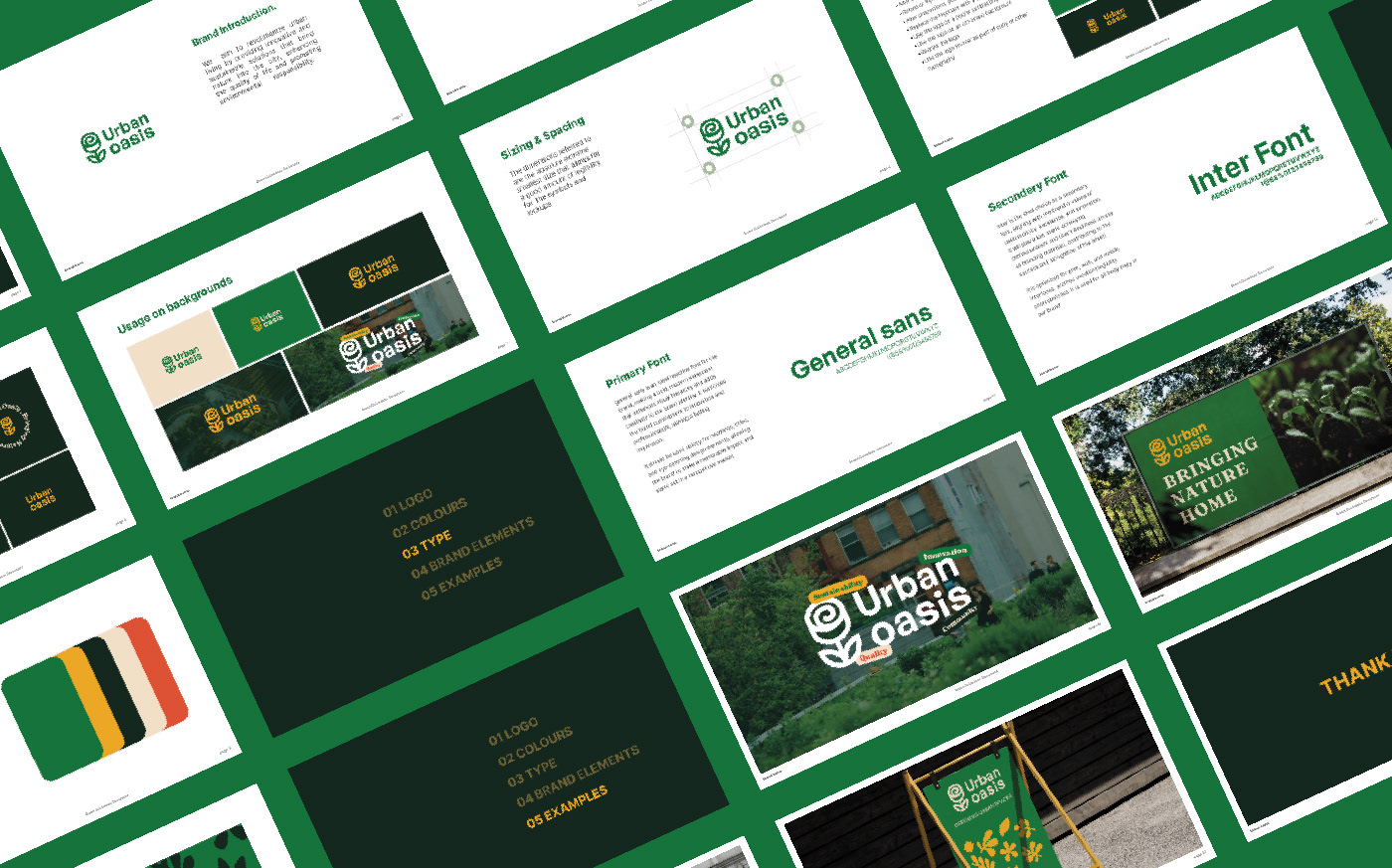
This one has a vibrant, nature-inspired feel. It uses a rich color palette and beautiful mockups to showcase the brand in real-world contexts. It feels friendly, approachable, and full of life.
5. The "Bold & Striking" Template by Suptol Designs
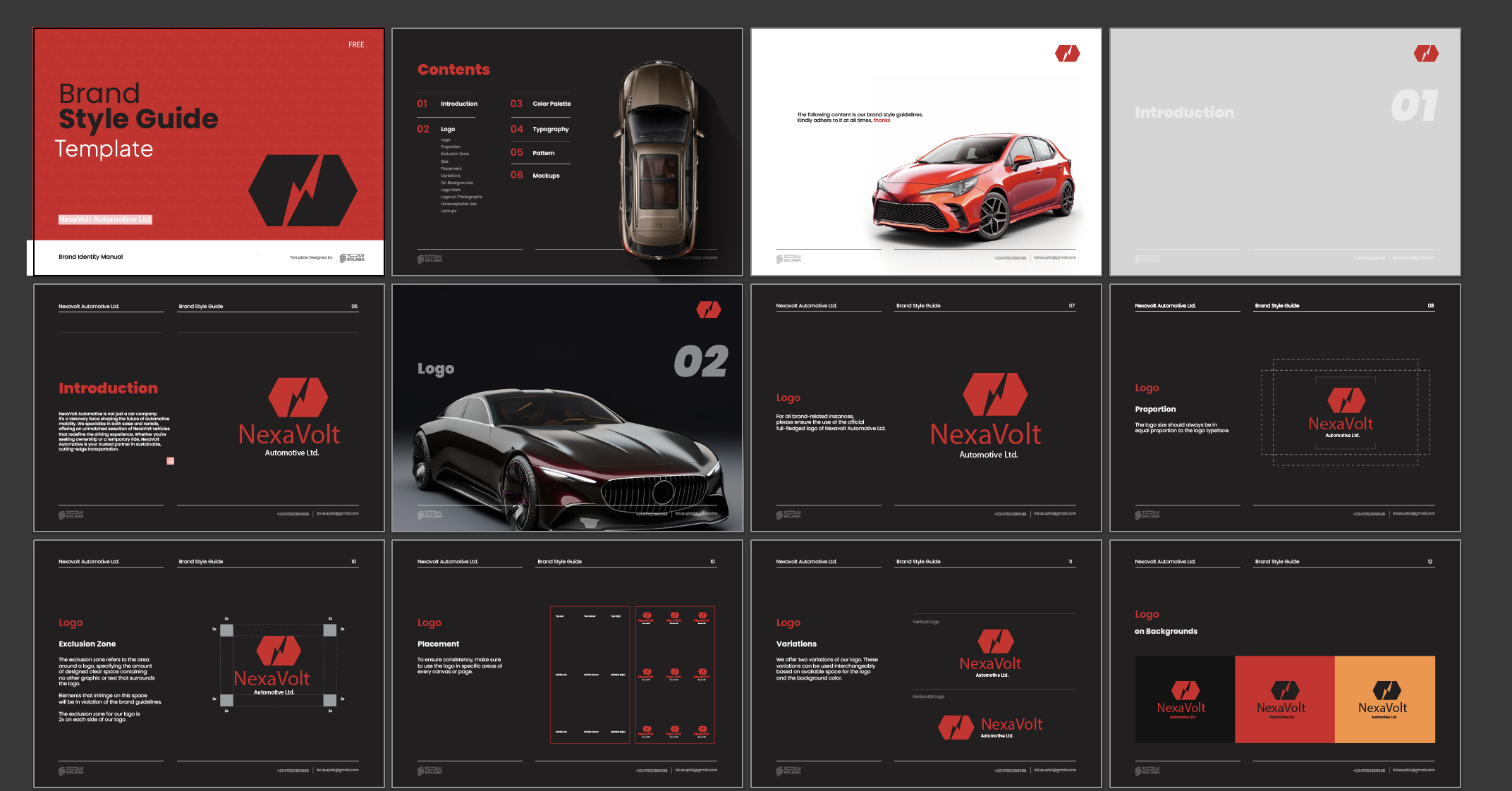
This is a solid, all-around template that uses a bold, high-contrast design to make a strong impression. It’s reliable, professional, and easy to adapt to any brand that needs a powerful presence.
Generate Brand Guidelines in Seconds with Guideit
As brand designers, we all know how time-consuming it can be to create brand guidelines. What should be a quick process often turns into hours, sometimes even days — of repetitive, boring admin work.
We’re designers, not document makers. We want to create, not format.
That’s why I built Guideit Brand Guideline Generator, a faster, smarter way to create brand guidelines in Adobe Illustrator- check it out here.

Conclusion
Using a professional brand guideline template saves you stress and time.
It ensures you deliver a polished, comprehensive brand guide every single time. Pick the template that best fits your project's needs, customize it, and present your work with the confidence it deserves.
However, using a brand guidelines generator like Akrivi Guideit, is by far a better option then using static templates.




